
Wedding websites · from £5, once
It's finally happening.
A wedding website as personal as your invitations. Every guest gets a page with their name on it, RSVPs count themselves, and your story becomes a map people actually explore.

Every guest, their own invitation
Nobody gets a group email.
Each guest gets a six-character code (or a QR on their paper invite). It opens a page that greets them by name, with their photo, a note from you, the venue, the map, parking and their RSVP. Strangers see none of it.
Pick a guest:


R&DRSVP

Your invitation
Dear Alex,
It would not be a party without you. We saved you a seat at the loud table.
- Seats saved
- 1
- Your code
- ALX-7Q2

RSVPs
Replies that count themselves.
Guests reply on their phone. You see head counts, dinner choices, dietary needs and song requests the moment they send it, and download the lot as a spreadsheet for your caterer. Fill in the card to see it happen.


86coming
7can't make it
19still to reply
- Short rib38
- Sea bass27
- Garden risotto21
Song requests
- Dancing Queen · Priya
- Mr. Brightside · Sam

The day
A schedule you can drag through.
3:30 pm
The ceremony
Under the old oak. Tissues provided.
Also inside
The rest of the wedding, handled.

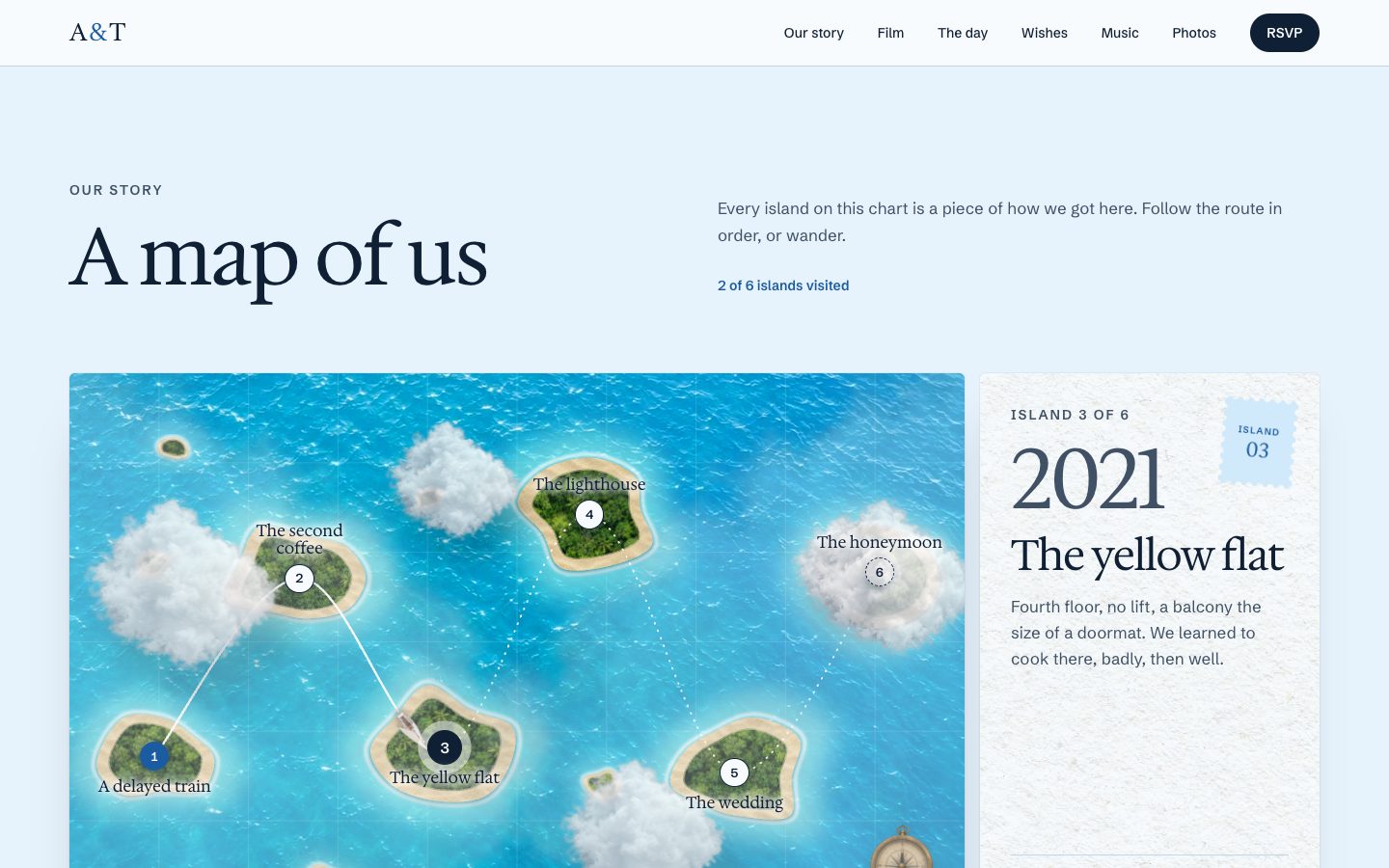

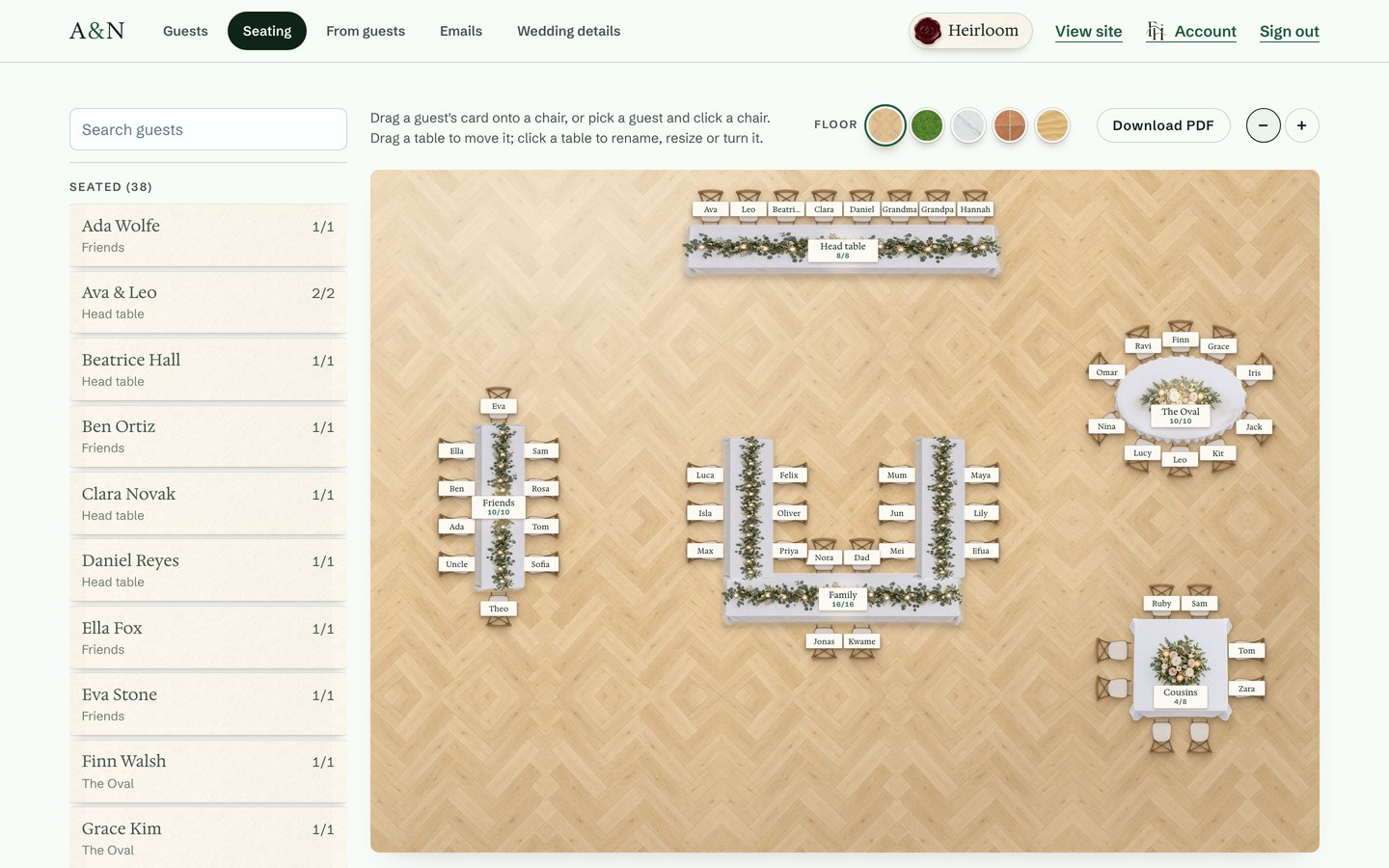
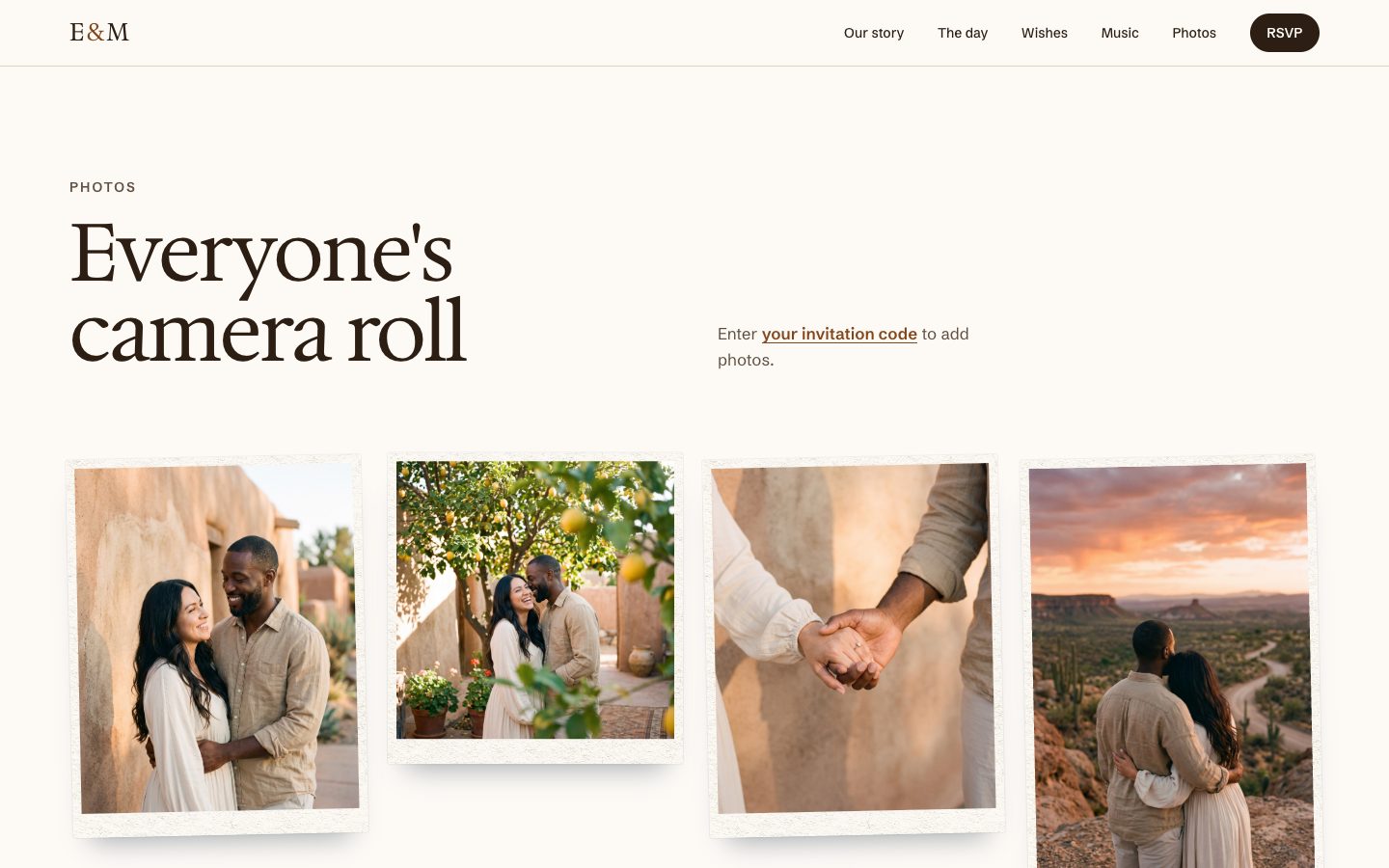
- Printable QR cards, one per guest
- Wishes & a guestbook
- Four colour themes
- Your own address: finallyhappen.ing/your-names
- Venue stays private
- Change anything, any time
Live examples
Four couples. Step inside.
Real, working wedding sites. Open one, enter the code on the card, and see the invitation just as their guests do.
no monthly fees, ever
Pay once. That's the whole bill.
Four plans, each one payment. No subscription, no adverts on your site, and you can move up a plan later for just the difference.
- 1Pick your names and web address. Then choose the plan that fits.
- 2Answer a few questions. The date, the venue, your story, your photos. Skip anything you don't know yet.
- 3Send the codes. Print them on your invitations and watch the replies roll in.
Plans
Choose what you need.
Every plan is a single payment. Start small and move up whenever you like.
Questions
Is it really just one payment?
Yes. You pay once for the plan you choose, from £5, and nothing after that. If you need more later, moving up a plan costs only the difference.
Can we email our invitations from the site?
Yes, with Signature or Heirloom. The Email studio lets you design an invitation or an RSVP reminder, see exactly how it looks, and send it to everyone or just those who have not replied. Each guest gets their own link and code.
Can we change things after we set it up?
Everything, at any time. The setup questions only get you started; your admin panel lets you edit every detail, add guests and rearrange tables whenever you like.
Do our guests need an account?
No. They type the six-character code from their invitation, or scan its QR code, and they're in.
Who can see our venue address?
Only guests who have entered a code. The public page shows your names, date, city and story. The venue, map and parking stay behind the invitation.
What will our web address be?
Your names on ours: finallyhappen.ing/your-names. You choose it when you sign up, and it is on every invite link and QR code.